
Resetting your password
What to do if you've forgotten your password or think someone else knows it.
If you've forgotten your password
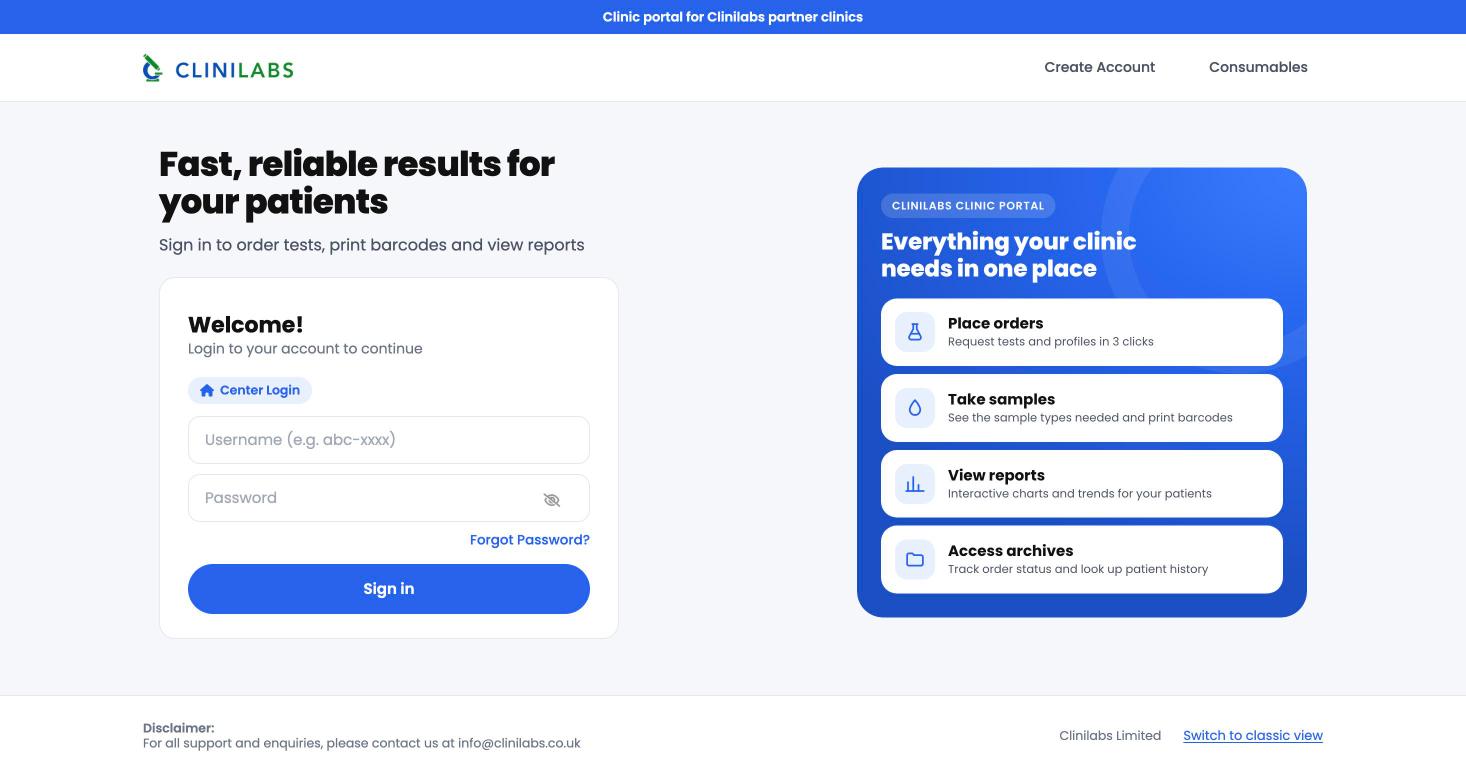
- On the portal sign-in page, select Forgot Password? under the password box.
- Enter your username (it starts with
clbs-), leave Staff selected, and select Next. - We'll email a password reset link to the email address on your login. Open it and set a new password.
- Sign in with your new password.
If the reset doesn't arrive within a few minutes, check your spam folder, then contact us.
If you think someone else knows your password
Change it straight away, then let us know at info@clinilabs.co.uk or on 020 4525 8805 so we can check for anything unusual on your account.
Locked out?
Contact us from your clinic email address or phone number. For your patients' safety we'll confirm who you are before resetting anything, and we'll never ask you to tell us your password.