
Signing in to the Clinilabs portal
Where to sign in, what your username looks like and what to do the first time.
The Clinilabs portal is where your clinic orders tests, prints barcodes and request forms, tracks samples and views reports. It works in any up-to-date web browser on a computer or tablet.
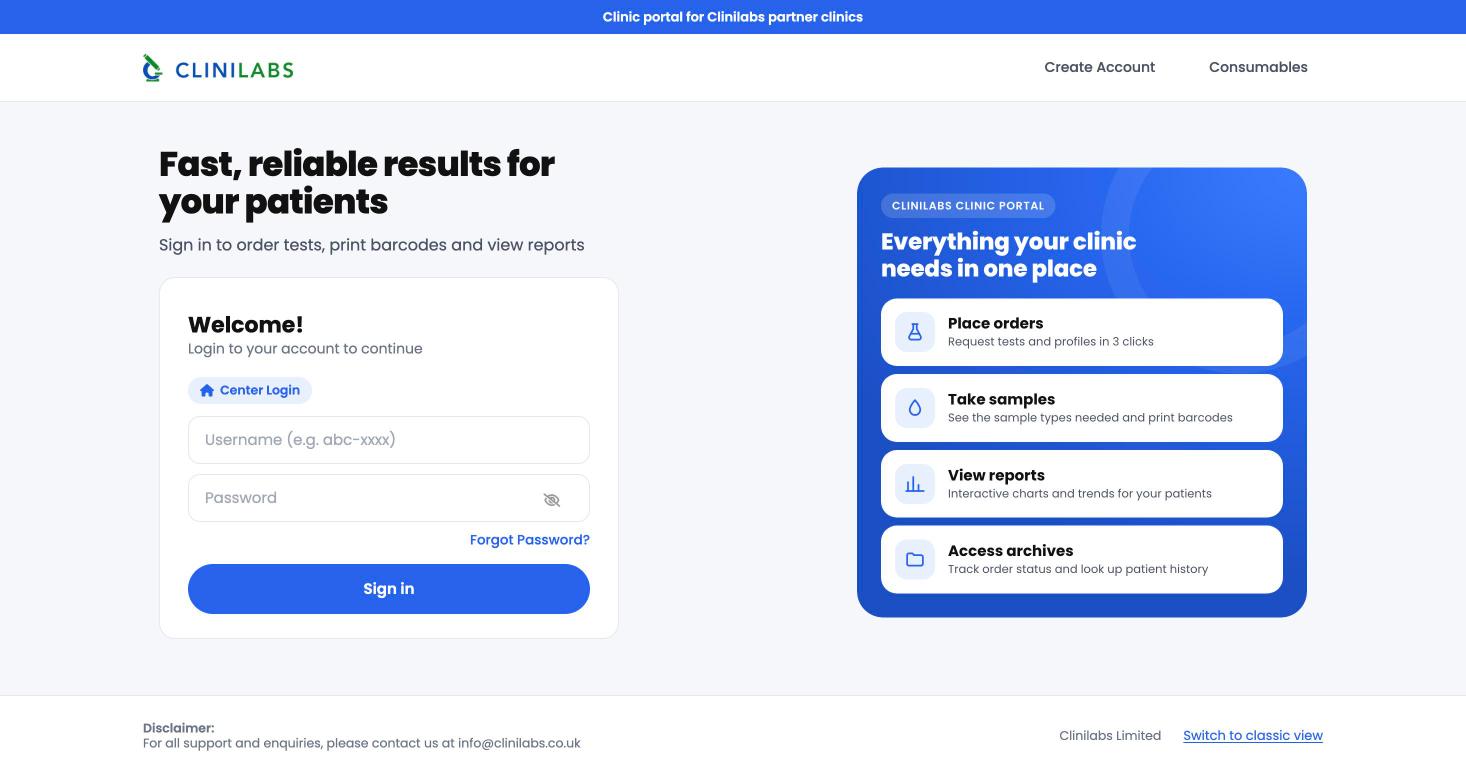
Sign in
- Go to portal.clinilabs.co.uk.
- Enter your username. It starts with
clbs-, for exampleclbs-YourClinic. - Enter your password and select Sign in.
You'll see Center Login above the boxes: that's the right sign-in for clinics.
Your username and password
Clinilabs sets up your clinic's login when your account is opened, and tells you your username. If you've lost it, email info@clinilabs.co.uk from your clinic email address and we'll remind you.
Passwords must have at least 8 characters, including a capital letter, a small letter, a number and a symbol.
Signing out
Select your clinic's name at the top right of the portal, then Logout. Always sign out on a shared reception computer.
Signing in to our other services
Your portal login also works for consumables ordering: choose Sign in with your Clinilabs portal login there and you're taken straight in if you're already signed in to the portal.